
Game not found: confirm what the release asks for
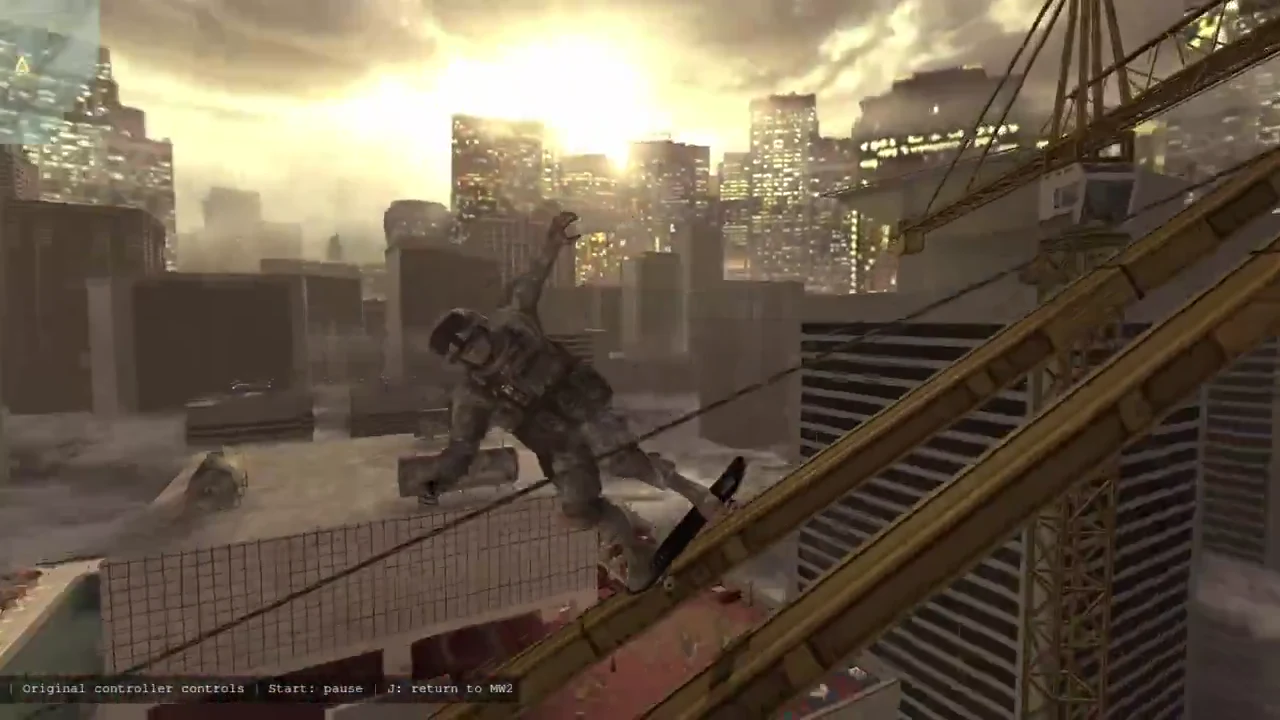
Compare the full required game name with the installed copy, including the edition. A different release year, collection or platform can matter even when the short title looks the same. The official showcase’s Modern Warfare 2 card points to the 2009 game; installing the 2022 title does not establish a match.
Confirm the required game is installed and accessible through its normal platform. Do not move folders, rename executables or download replacement files merely to satisfy a guessed path. Use the current release instructions for supported ways to identify the installation.
If the requirements do not identify an edition, ask the author that specific question. The absence of a game from our six-example directory is not evidence that it is unsupported. Conversely, appearing in a promotional card does not prove your exact installation is compatible.
Setup stops: preserve the error and the prior state
Melty’s stated Play workflow includes downloading a release, preparing dependencies and starting the game. Work out which stage you reached. Save the short error text, the release version and the last successful step, with personal paths, tokens and account details removed.
An error message is useful evidence; a screenshot full of credentials is not. Do not disable antivirus, defeat an audit or change broad system permissions because an old comment says it worked for someone else. If a security product objects, stop the affected attempt and use official support or the release’s reporting path.
Avoid stacking fixes from multiple projects. One release may use different dependencies from another, and a video made earlier may describe a previous workflow. Keep a note of each documented change you make so you can undo it. If you cannot explain what a proposed fix changes, that is a reason to seek clarification.
Launch fails: separate the base game from the mashup
Where it is safe and consistent with the release instructions, check whether the original game launches normally without the mashup. This helps describe the problem; it does not prove a specific cause. Preserve saves first, particularly if you already use other mods or a mod manager.
Record the game build and the mashup release used in the failed attempt. A game update can change the context of an older tutorial. Ask whether the creator tested that build rather than assuming the most recently installed version is the right one.
Melty says removing a mashup restores files it replaced. We have not independently tested restoration across configurations. If a removal or restore attempt fails, keep the evidence and contact support before deleting folders or overwriting your only backup.
A friend cannot join: check the release before the network
First confirm that the particular mashup offers multiplayer and that both players meet its requirements. A general multiplayer feature on the Melty homepage does not mean every mashup can host a session. Compare the release version and game editions rather than only the visible game name.
Use the invite flow described by the current release. Melty’s terms say anyone with a join link can join, and a public game can be visible to other users. Keep an intended private session private while you investigate; changing it to public is not a diagnostic fix.
The terms also explain that players may connect to the host PC directly or through the game’s services. This guide does not prescribe router changes, open ports or firewall exceptions without release-specific evidence. If networking help is needed, provide a concise description of the attempted join and consult the official support channel.
Send a report someone can act on
A useful report contains the mashup name and release version, the exact games and editions, the platform, the expected result, the observed result and the smallest sequence that reproduces it. Say whether the base game launches and whether the issue started after a known update. Keep speculation separate from the observed steps.
For example: “The release downloads, but selecting Play closes the window before the game starts” identifies a narrower problem than “Melty is broken.” Add the sanitised error text and the last step you completed. Do not include passwords, tokens, full private directory listings or someone else’s invite link.
The launch discussion on Reddit shows both curiosity and uncertainty about safety. Those posts are not a verified fix database. Use them to recognise questions worth asking, then check answers against the current platform and release. Until a cause is known, this guide leaves it open rather than turning a plausible guess into a solution.
Reader questions
These questions combine concerns raised in the linked community discussion with editorial follow-ups to official documentation and promotional claims. They are paraphrased, not quotations. Answers use current documentation.
Should I bypass a security warning to get it running?
No. Preserve the warning and report the affected release. This guide does not recommend disabling protection or bypassing the platform’s checks.
Question context: GreatGhastly and replies on r/aigamedevDoes an invite failure mean multiplayer is unavailable?
Not necessarily. Check the particular release, both game setups and the documented join flow. A single failed attempt does not establish the cause.
Question context: Melty official websiteReviewed on 11 October 2026. Platform statements are attributed; this guide does not certify compatibility or security.
Melty official websiteMelty terms, sections 4–8 and 16GreatGhastly and replies on r/aigamedevBack to the mashup directoryCheck game editions, ownership and restore plansTurn an idea into a creator briefLocate the failing setup or launch stepNext: Melty Getting Started: Your First Mashup, Step by Step